
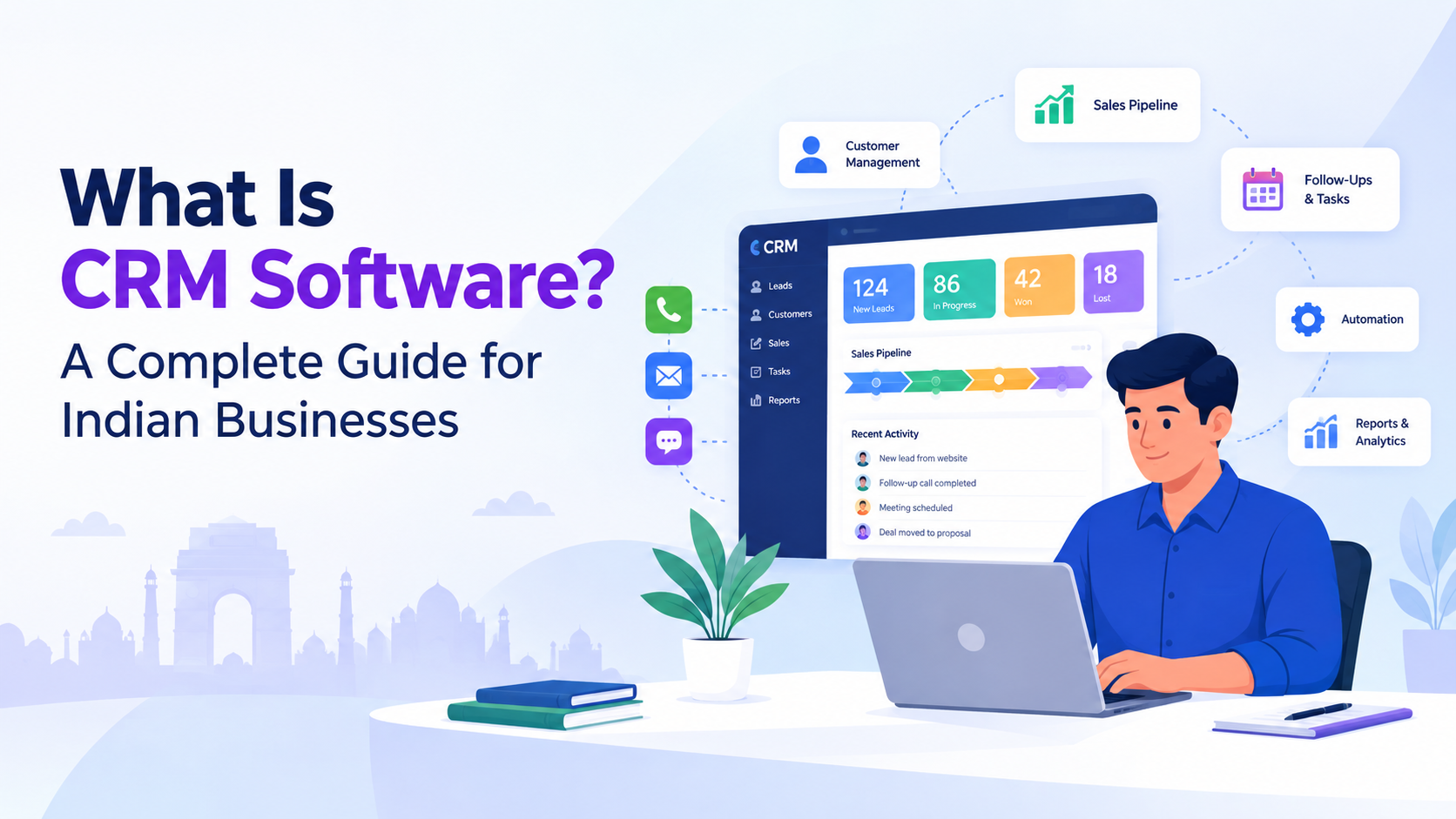
What Is CRM Software?
CRM software is a technology platform that helps businesses manage customer and prospect information, interactions, sales activities, and relationships in one organized system.
CRM stands for Customer Relationship Management. Instead of keeping customer information across spreadsheets, emails, phone records, messaging apps, and separate documents, a CRM system brings important information together so teams can access and update it more efficiently.
A typical CRM can store information such as:
- Customer names and contact details
- Lead sources
- Sales conversations
- Emails and calls
- Meetings and tasks
- Deals and opportunities
- Follow-up activities
- Purchase or service history
- Customer support information
- Sales pipeline stages
The purpose of CRM software is not simply to store contacts. It helps businesses understand where each customer or prospect is in the buying journey and gives teams the information needed to take the next action.
Modern CRM platforms can also include automation, analytics, integrations, and artificial intelligence. These capabilities can reduce repetitive work and help sales teams spend more time communicating with customers.
CRM is commonly used by sales, marketing, customer service, management, and other teams that need access to customer information.
How Does CRM Software Work?
CRM software works by collecting customer and prospect information, organizing it into records, tracking interactions, and making that information available to authorized users.
For example, imagine a potential customer submits an enquiry through your website.
The CRM process could look like this:
- The enquiry enters the CRM.
- A customer or lead record is created.
- The lead is assigned to a salesperson.
- The salesperson contacts the prospect.
- Calls, emails, notes, and activities are recorded.
- The opportunity moves through different sales stages.
- Follow-up tasks are created.
- Management can monitor the opportunity through reports or dashboards.
- Once the customer purchases, the record continues to provide a history of the relationship.
This creates a structured workflow instead of relying on individual employees to remember every interaction.
A CRM system can therefore become a central source of customer information for a business. It can connect customer data with sales activities, communication, tasks, reporting, and automation.
Why Do Businesses Need CRM Software?
Businesses need CRM software when customer information and sales activities become difficult to manage manually.
A small company might initially manage leads using Excel, email, WhatsApp conversations, notebooks, or shared documents. This can work when the number of customers is limited. As the business grows, however, manually tracking every lead and follow-up can become increasingly difficult.
Common problems include:
- Leads being forgotten
- Missed follow-ups
- Duplicate customer records
- Scattered customer information
- Poor visibility into sales pipelines
- Difficulty tracking salesperson activities
- Time-consuming reporting
- Limited management visibility
- Repetitive administrative work
CRM software provides a structured way to manage these processes.
For example, instead of asking a salesperson, "What happened to this lead?", a manager can check the lead record, current sales stage, previous activities, upcoming tasks, and communication history.
That visibility can make sales operations more organized and measurable.
What Are the Main Features of CRM Software?
The features available depend on the CRM platform, but most modern CRM systems include several core capabilities.
1. Contact Management
Contact management allows businesses to maintain customer and prospect information in organized records.
Teams can typically store names, phone numbers, email addresses, company details, notes, communication history, and other relevant information.
This makes it easier to understand the relationship with a customer without searching through multiple systems.
2. Lead Management
Lead management helps businesses capture, organize, assign, and track potential customers.
A CRM can help teams understand:
- Where a lead came from
- Who is responsible for it
- What stage it is in
- When it was last contacted
- What action should happen next
- Whether the lead is qualified
Effective lead management can help sales teams reduce the chances of enquiries being overlooked.
3. Sales Pipeline Management
A sales pipeline shows where prospects are in the buying process.
For example, a business might use stages such as:
New Lead → Qualified → Proposal → Negotiation → Won/Lost
This gives sales teams a visual way to understand their opportunities.
Managers can also use pipeline information to identify deals that require attention and monitor overall sales activity.
4. Task and Follow-Up Management
Following up at the right time is an important part of sales.
CRM software can help salespeople create tasks and reminders for:
- Calls
- Meetings
- Emails
- Product demonstrations
- Proposal follow-ups
- Customer check-ins
Some CRM platforms can automate parts of the follow-up process, reducing the amount of manual work required.
5. Email and Communication Tracking
CRM systems can connect communication activities with customer records.
This can give sales teams better context before contacting a prospect because previous conversations and activities may be available from the same record.
6. Reporting and Analytics
CRM analytics can help businesses understand sales performance.
Common CRM reports include:
- Number of leads
- Lead conversion rate
- Sales pipeline value
- Deals won and lost
- Sales activity
- Revenue by salesperson
- Revenue by source
- Follow-up performance
These reports can help managers identify trends and make decisions based on business data rather than relying only on assumptions.
7. Workflow Automation
Workflow automation allows businesses to create rules that trigger actions automatically.
For example:
New lead received → Assign salesperson → Create follow-up task → Send notification
Automation can reduce repetitive administrative work and help standardize business processes.
8. Artificial Intelligence
Modern CRM platforms increasingly include AI capabilities.
AI can assist with tasks such as lead qualification, data analysis, email drafting, customer communication, and recommendations for the next sales action.
The exact capabilities vary between platforms, so businesses should evaluate whether an AI feature solves a genuine operational problem rather than choosing it simply because it is marketed as "AI."
What Are the Benefits of CRM Software?
CRM software can provide several operational benefits when it is implemented properly and consistently used by the team.
Better Customer Data Management
Customer information is easier to organize when it is maintained in a central system.
Instead of searching through multiple spreadsheets and applications, employees can work from customer records within the CRM.
Improved Lead Tracking
CRM software makes it easier to see which leads are new, qualified, being followed up, negotiating, won, or lost.
This can give sales managers greater visibility into the pipeline.
Faster Follow-Ups
CRM tasks, reminders, and automated workflows can help teams follow up more consistently.
For businesses where response time matters, having a clear next-action system can be useful.
Less Manual Work
Automation can reduce repetitive activities such as assigning leads, creating tasks, updating records, generating reports, and sending routine notifications.
Better Team Collaboration
When customer information is accessible to the relevant teams, employees can work with the same customer context.
This becomes particularly useful when several employees interact with the same account.
Better Sales Visibility
Managers can use dashboards and reports to monitor pipeline activity and sales performance.
Instead of waiting for manually prepared reports, teams can use CRM data to review current activities and opportunities.
More Organized Customer Relationships
A complete customer history can help businesses understand previous conversations, requirements, purchases, and follow-up activities.
This can make future interactions more informed and consistent.
Is CRM Software Useful for Small Businesses in India?
Yes. CRM software can be useful for small businesses in India when they need a more structured way to manage growing numbers of leads and customers.
A small business does not necessarily need a complicated enterprise system. The right CRM should match the company's size, sales process, team structure, budget, and operational requirements.
For example, a growing Indian business may start with:
- Contact management
- Lead tracking
- Sales pipeline
- Follow-up reminders
- Email integration
- Basic reporting
As the business grows, it may need workflow automation, advanced analytics, integrations, AI features, customer support tools, or additional business management capabilities.
This makes scalability an important consideration when selecting CRM software.
What Is the Difference Between CRM Software and Excel?
Excel is a general-purpose spreadsheet tool that businesses can use to maintain customer lists and sales information. However, CRM software is specifically designed to manage customer relationships, sales processes, activities, follow-ups, and workflows in a structured way.
With Excel, customer data is often entered and updated manually, while CRM software can organize customer records and update information through defined workflows. Follow-ups in Excel usually need to be tracked manually, whereas a CRM can provide automated tasks, reminders, and notifications. Excel also has limited built-in sales pipeline functionality, while CRM software is designed to manage leads, opportunities, and different stages of the sales process.
Reporting is another important difference. Creating reports in Excel may require manual data preparation, formulas, and regular updates. CRM platforms can provide dashboards and reports that give teams a clearer view of sales activities and performance. Excel collaboration also depends on how the spreadsheet is configured and shared, while CRM systems are built specifically for multiple team members to manage customer information and sales activities.
Automation can also be more advanced in CRM software. While Excel can support automation through formulas, macros, and additional tools, CRM platforms commonly include built-in workflow automation for activities such as lead assignment, follow-up reminders, notifications, and sales processes.
Excel can still be useful for simple data management and business tasks. However, as a company grows and manages more leads, customers, salespeople, and follow-ups, a dedicated CRM system can provide a more structured way to manage customer relationships and sales operations.
How Should Indian Businesses Choose CRM Software?
Choosing CRM software should begin with the business problem rather than the number of features advertised by a vendor.
Before selecting a platform, consider these factors:
1. Identify Your Business Requirements
Determine what you actually need the CRM to manage.
Ask:
- How many leads do we handle every month?
- How many salespeople will use the platform?
- Do we need automated follow-ups?
- Do we need email integration?
- Do we need reporting and dashboards?
- Do we need AI capabilities?
- Do we need mobile access?
- Does the CRM need to integrate with existing tools?
2. Check Ease of Use
A CRM is only useful when employees actually use it.
The interface should be understandable, and common tasks should not require unnecessary steps.
3. Evaluate Automation
Look at whether the platform can automate repetitive processes such as lead assignment, follow-up tasks, notifications, and workflow actions.
4. Check Reporting
Make sure the reporting system provides the metrics your management team actually needs.
5. Consider Scalability
Choose a platform that can support your business as the number of customers, users, leads, and workflows increases.
6. Review Security and Access Controls
Customer data should be protected through appropriate authentication, permissions, access controls, and other security measures relevant to your business.
7. Compare Total Cost
Do not look only at the advertised monthly subscription.
Consider:
- Number of users
- Setup costs
- Implementation
- Data migration
- Integrations
- Training
- Additional features
- Support
A CRM should fit both your operational requirements and budget.
What Does the Future of CRM Software Look Like?
CRM software is increasingly moving toward automation, connected data, analytics, and artificial intelligence.
Traditional CRM systems primarily focused on storing customer information and tracking sales activities. Modern platforms can go further by helping employees automate workflows, analyze information, generate communication, and take action based on predefined rules.
AI-powered CRM capabilities may assist with:
- Lead qualification
- Sales recommendations
- Email drafting
- Customer support
- Data analysis
- Follow-up automation
- Meeting summaries
- Workflow execution
However, businesses should still maintain appropriate human oversight, especially for important customer communications and decisions.
The goal should be to use technology to reduce repetitive work while allowing employees to focus on activities that require judgment, relationships, and expertise.
Why Is CRM Software Important for Growing Indian Businesses?
As businesses grow, customer information and sales processes become more complex.
A company may begin with a small team where everyone knows every customer. Over time, the business may have multiple salespeople, locations, products, customer segments, and communication channels.
At that point, relying entirely on individual memory or disconnected spreadsheets can make customer management difficult.
CRM software provides a structured environment where businesses can manage customer information, sales activities, follow-ups, reporting, and automation.
For Indian businesses that are moving from informal sales processes to more organized operations, CRM can become an important part of the technology stack.
Final Thoughts
CRM software is more than a digital address book. It is a system for organizing customer information, managing sales processes, tracking interactions, automating repetitive work, and improving visibility across the customer journey.
For small businesses, CRM can provide structure as sales operations grow. For larger teams, it can help connect customer data and processes across departments.
When evaluating CRM software, focus on your actual business requirements, ease of use, automation capabilities, integrations, reporting, scalability, security, and total cost.
The right CRM should make everyday work more organized rather than adding another complicated system for employees to manage.
If your business is looking for a connected platform that combines CRM, HRMS, automation, AI, and analytics, OrbitoCRM provides these capabilities within a unified business ecosystem.
Frequently Asked Questions About CRM Software
1.What is CRM software in simple terms?
CRM software is a system that helps businesses store customer information, manage leads, track sales activities, record interactions, and organize customer relationships from one platform.
2. What does CRM stand for?
CRM stands for Customer Relationship Management. It refers to the strategies, processes, and technology businesses use to manage relationships and interactions with current and potential customers.
3. What is CRM software used for?
CRM software is used for contact management, lead tracking, sales pipeline management, customer interaction tracking, follow-ups, reporting, workflow automation, and other customer-related business processes.
4. Is CRM software useful for small businesses?
Yes. Small businesses can use CRM software to organize leads, manage customer information, track sales opportunities, schedule follow-ups, and improve visibility into their sales process.
5. Can CRM software automate sales follow-ups?
Yes. Many CRM platforms provide workflow automation, tasks, reminders, notifications, and automated communication features that can help businesses manage follow-ups more consistently.